How the TikTok LIVE Algorithm Works (and How to Get More Viewers)
TikTok doesn't publish a recipe, but it does explain the signals it uses. Here is what that means for your LIVE, and what you can do to reach more people.
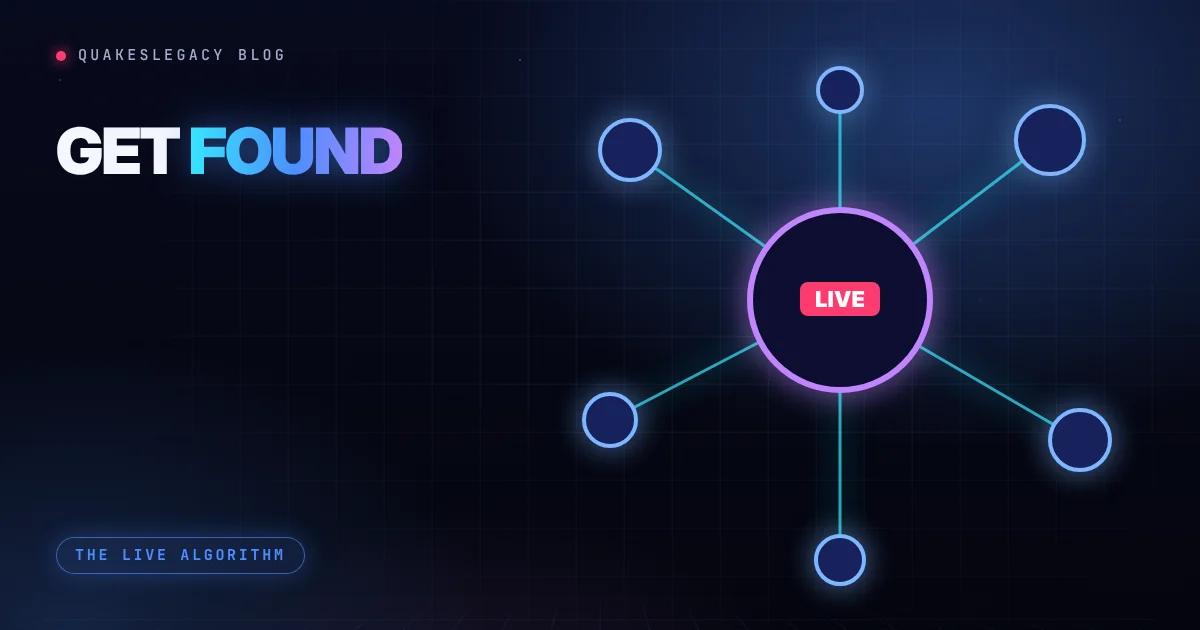
Every TikTok LIVE creator wants the same thing: more of the right people finding their stream. The system that decides who sees your LIVE is often called "the algorithm", and there are a lot of myths about it.
Here is the honest version. TikTok doesn't publish an exact formula, and it changes over time. But it does explain the kind of signals its recommendation system uses, and LIVE creators have learned a lot about what tends to work. This guide sticks to what is reasonable to say, and turns it into things you can actually do.
Where people find your LIVE
Viewers can land on your stream from several places:
- The For You feed, where LIVE streams can appear between videos
- The LIVE feed, a feed made only of streams
- Your followers' notifications and the LIVE ring on your profile picture
- Your profile, when someone checks it while you are LIVE
- Shares, when a viewer sends your stream to a friend
- LIVE Events you have scheduled in advance
The first two are where most new viewers come from, and they're driven by recommendations.
What TikTok says it uses to recommend content
TikTok describes its recommendations as being based on things like:
- How people interact with content: watching, liking, commenting, sharing, following
- Information about the content, such as captions, sounds, hashtags and, for LIVE, your title and topic
- The viewer's settings, such as language and location
For a LIVE stream, the practical meaning is simple: when people who see your stream stay, talk and engage, TikTok has good reason to show it to more people.
The signals that matter most for LIVE
1. Do people stay?
When someone lands on your LIVE, do they swipe away in two seconds or stick around? Watch time is one of the clearest signs that a stream is worth recommending. That's why your first impression, including the picture, sound and what you're doing, matters so much.
2. Do people interact?
Comments, likes and taps, shares, follows and Gifts all show that viewers are involved. A stream where chat is moving looks alive, both to viewers and to the system.
3. Do people follow and come back?
New followers and returning viewers show that your stream is building an audience, not just passing traffic.
4. Is the stream clearly about something?
A clear title and a consistent topic help TikTok match your stream to the people who are likely to enjoy it.
How to get recommended to more people
Make the first seconds count
Imagine every new viewer gives you three seconds. In that time they should see a clear, well-lit picture, hear clear sound, and understand what's going on. Our guides to lighting, audio and backgrounds cover the basics.
Keep re-introducing the stream
New people arrive all the time. Every few minutes, say who you are and what's happening, so a newcomer doesn't feel lost.
Give chat easy things to do
Ask simple questions people can answer in one word. Run a poll. Play a game. A Q&A format is one of the easiest ways to keep chat moving.
Use LIVE features
Features like LIVE Goals, LIVE Matches and multi-guest give viewers a reason to stay and get involved.
Stream consistently
Going LIVE at regular times helps your followers know when to find you, and gives you more chances to be recommended. A steady schedule usually beats random long streams.
Promote your LIVE with videos
Post short videos that tell people when you'll be LIVE and what you'll do. You can also schedule a LIVE Event so followers can sign up for a reminder.
Write a clear title
Describe the activity in plain words: "Building a gaming PC, ask me anything" tells people far more than "come chat".
What doesn't work (and what can hurt)
- Begging for Gifts or follows. It drives viewers away, and misleading or pressuring requests for Gifts can break TikTok's rules.
- Fake engagement. Buying viewers, followers or likes, or using bots, can get your account restricted and doesn't build a real audience.
- Rule-breaking content. Content that breaks the Community Guidelines can be restricted from recommendations or end your LIVE. See our guide to TikTok LIVE guidelines.
- Re-streaming other people's content or long periods of you not being on screen.
When your reach suddenly drops
If your LIVE viewers fall suddenly:
- Check your account status in the app's settings for warnings or restrictions.
- Look at what changed: your timing, content, title or setup.
- Compare your analytics across a few streams rather than reacting to one bad night.
Reach goes up and down for every creator. What matters is the trend over weeks, not one stream.
Grow faster with a team behind you
QuakesLegacy is an official TikTok LIVE partner agency. Our coaches look at your streams with you and help you find what to change. Apply to join QuakesLegacy.
Frequently asked questions
How does the TikTok LIVE algorithm work?
TikTok recommends content based on how people interact with it, information about the content itself, and viewers' settings. For LIVE, that means streams that keep viewers watching and interacting are more likely to be shown to more people. TikTok doesn't publish the exact formula.
Does going LIVE for longer help with the algorithm?
A longer stream gives TikTok more time to show it to people, but only if the stream stays engaging. A long stream where viewers leave quickly won't help much. Stream for as long as you can keep the energy up.
Do Gifts help my LIVE get recommended?
Gifts are one form of interaction, but they aren't the only one. Comments, likes, shares, new followers and how long people stay all matter. Never pressure people to gift. Focus on making a stream people want to take part in.
Is there a TikTok LIVE shadowban?
If your LIVE reach drops suddenly, check your account status for any warnings or restrictions first. Often a drop is caused by a change in content, timing or engagement rather than a hidden penalty.